Does Instagram Notify Screenshots? Use a Story Saver Instagram
Curious if someone knows when you screenshot their story? Here is the definitive answer for 2026, including how screenshot rules work on Instagram.
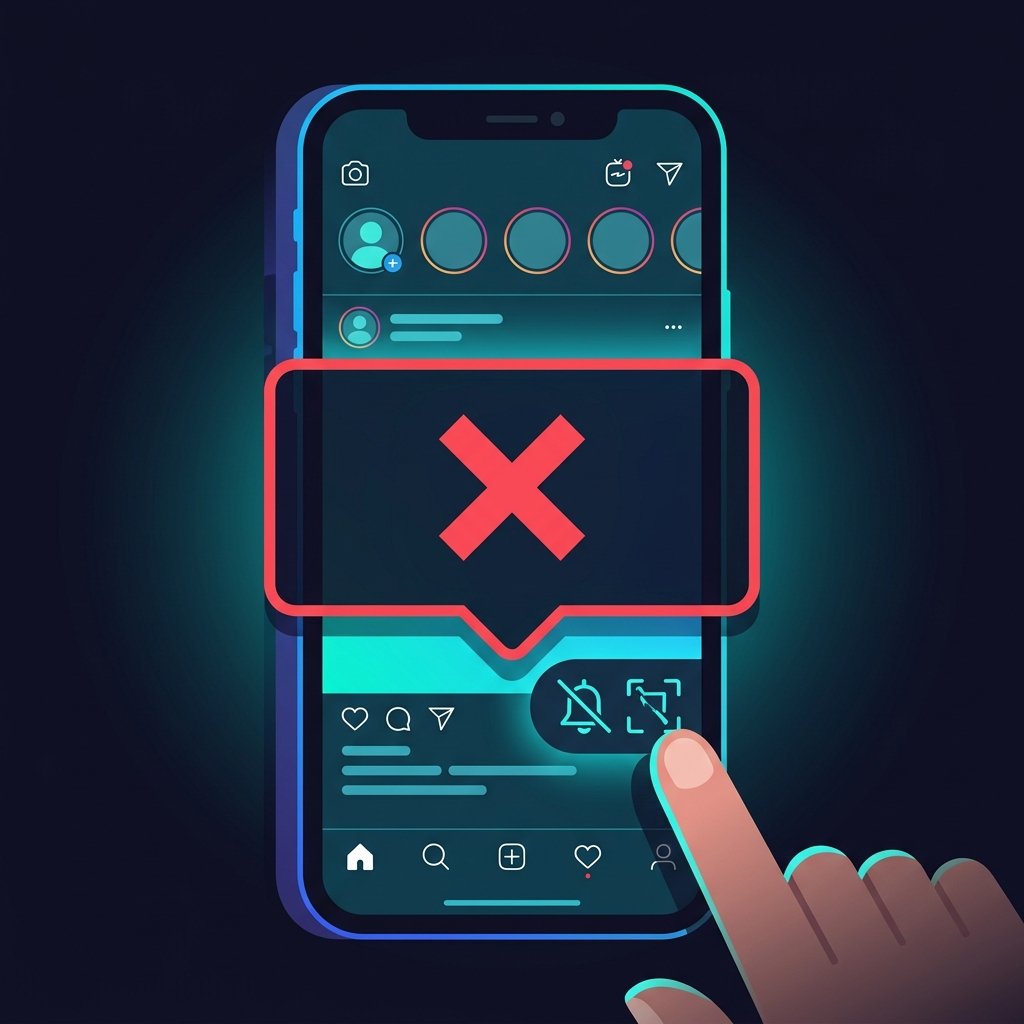
Does Instagram Notify When You Screenshot a Story?
If you've ever screenshotted an Instagram story to save a recipe, a travel recommendation, or an interesting post, you might have wondered: Does Instagram notify the other person? The definitive answer is No, Instagram does not notify users when you take a screenshot of a standard story.
Instead of taking low-quality screenshots that might feel intrusive or lead to accidental interactions, using a dedicated downloader utility is the cleanest and safest way to keep copies of public stories. This guide explains how screenshot notifications work on Instagram and how to save content safely and privately.
Instagram Screenshot Notifications: What Triggers Alerts?
While Instagram does not notify for standard story screenshots, there is one specific scenario where screenshot alerts are active:
- Vanish Mode & Direct Messages (DMs): If you take a screenshot of a disappearing photo or video sent in a private direct message conversation, Instagram will notify the sender. A small badge will appear next to the message, indicating a screenshot was taken.
However, for standard public posts, reels, and stories, no screenshot notifications are ever sent. This means you can see instagram stories without the creator knowing you've captured them, though we recommend using a dedicated tool for quality and privacy.
How Instagram Detects Screenshots in Vanish Mode
Instagram's ability to detect screenshots in Vanish Mode relies on operating-system-level screen capture APIs. Both iOS and Android provide built-in events that notify applications when a user takes a screenshot or starts a screen recording.
For instance, on iOS, the system triggers the userDidTakeScreenshotNotification event. When the Instagram app detects this event, it checks if the user is currently viewing a disappearing message or is in Vanish Mode. If so, it updates the chat database to display the screenshot alert badge to the other participant.
Instagram chooses not to trigger these alerts for public stories due to a combination of technical performance limitations (monitoring millions of active story views in real-time is resource-heavy) and product design choices, as stories are generally meant to be public, temporary broadcasts.
Why Screenshotting Stories Isn't Ideal
While screenshotting stories won't notify the creator, it is not the most optimal method for saving content:
- Accidental Interactions: When you screenshot a story, you often have to tap and hold the screen to hide the user interface. It is easy for your finger to slip, causing you to accidentally send a reaction emoji, reply, or skip to the next story.
- Cluttered Gallery: Screenshots accumulate in your phone's photo library, taking up storage space and mixing with your personal photos.
- Poor Resolution: A screenshot only captures your phone's screen resolution, which lowers the detail and sharpness of the original image.
- The Solution: Using a dedicated web browser tool like Anon Story Viewer allows you to download public media directly as a clean image or video file without interacting with the Instagram interface.
Screenshot vs. Download: The Benefits of a Downloader Tool
While screenshotting is quick, using a downloader tool like Anon Story Viewer has several advantages:
- Original Quality: Screenshots are compressed to fit your phone's screen resolution, whereas downloaders save the original file in high definition.
- No Black Borders: Download tools save clean media files without your phone's status bar, volume icons, or device layout.
- Video Stories: You cannot screenshot a video story directly; you have to screen record it, which captures ambient sound and UI controls. A web tool saves video stories as clean MP4 files instantly.
Using Anon Story Viewer makes it easy to save public stories to your local device in one click.
How to Protect Your Stories from Screenshots
If you are a creator and want to prevent random people from screenshotting your stories, the most effective measures are:
- Switch to a Private Account: This ensures only your approved friends can view your stories, significantly limiting who can access and potentially screenshot them.
- Use the Close Friends Feature: Post sensitive stories only to your trusted Close Friends list. This provides an extra layer of privacy for your most personal content.
Frequently Asked Questions
Is there a free story saver instagram downloader?
Yes! You can use Anon Story Viewer as a free story saver instagram to download public story photos and videos in HD quality without logging in. It's a great way to see instagram stories without hassle.
Can I download stories from public profiles using an ig story downloader?
Yes. An ig story downloader like ours allows you to save any active public story directly to your device as a clean JPG or MP4. This makes it an excellent instagram viewer for public content.
Does screen recording an Instagram story notify the creator?
No. Instagram does not notify creators when you screen record public stories, posts, or highlights. It only notifies for screen recordings in disappearing DMs.
How do I save instagram stories without getting caught?
The safest way to save instagram stories is to use a web-based downloader. Because you do not log in, your activity is completely untraceable, allowing you to watch instagram stories anonymously.
Conclusion
Taking a screenshot of a public story does not notify the owner. However, if you want a clean, high-definition backup of a photo or video without UI overlays, using a web downloader is the best approach. It offers superior quality, privacy, and convenience.
Try Instagram Highlight Viewer
Browse and save public Instagram highlights anonymously.