Instagram Story Downloader vs. Screenshotting: Which is Better?
Comparing the best ways to save Instagram stories. Learn the pros and cons of screenshotting vs. using an anonymous downloader tool.
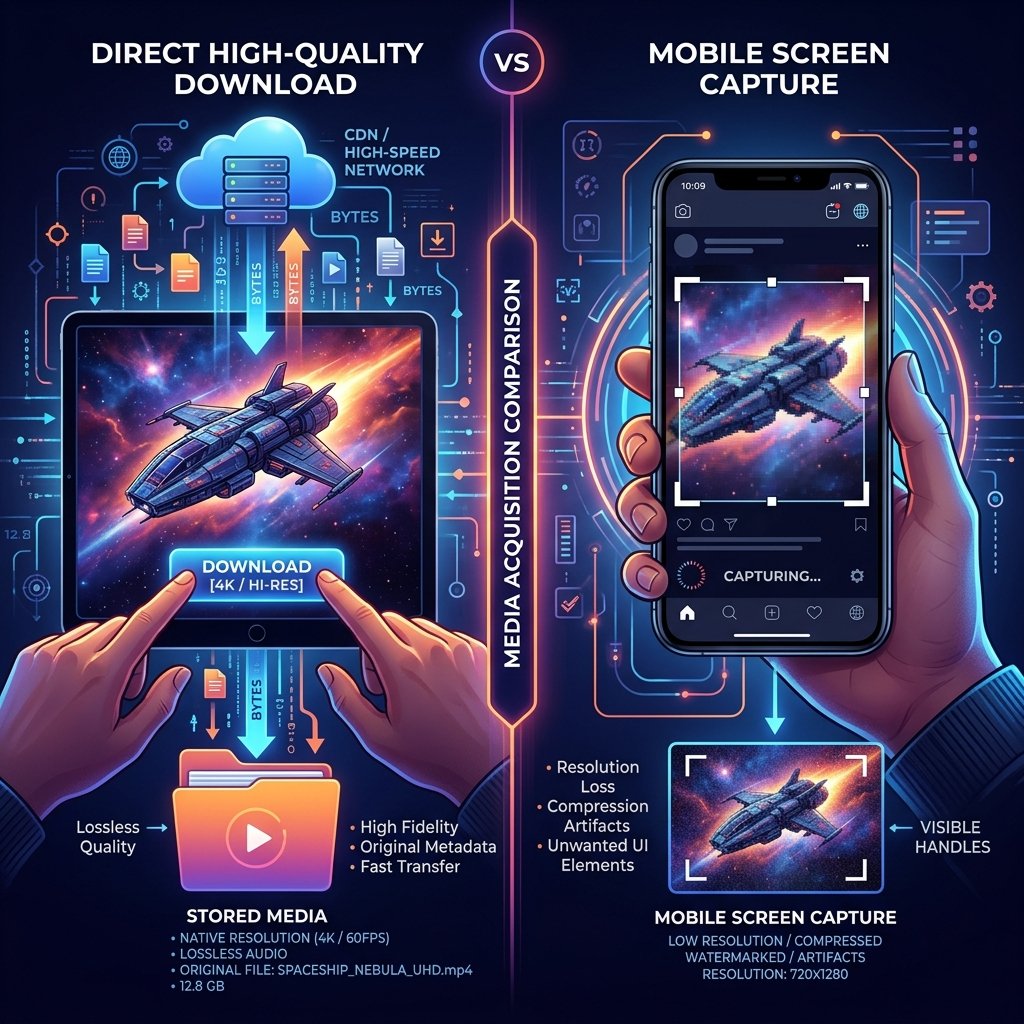
Instagram Story Downloader vs. Screenshotting: Which is Better?
When you want to save a disappearing Instagram story, you generally have two options: taking a screenshot/screen recording, or using a dedicated downloader tool. But which method is better for capturing public photos and videos privately?
This comparison guide explores the pros and cons of both approaches, helping you choose the best way to save public stories for personal use.
Instagram Story Viewer: Downloader vs. Screenshotting
Here's a quick comparison of the two methods for saving Instagram stories:
| Feature | Screenshotting | Story Downloader (Anon Story Viewer) |
|---|---|---|
| Image Quality | Compressed (device screen resolution) | Original HD (exact file uploaded) |
| Videos | Requires screen recording (lossy) | Direct MP4 download (lossless) |
| Clean Output | Includes UI overlays (UI text, borders) | Clean media only |
| Convenience | Fast button press | Paste username on website |
| Notifications | None (safe for stories) | None (completely anonymous) |
Why Use a Downloader Tool?
Using a dedicated tool like Anon Story Viewer is often the preferred choice for several reasons, especially if you prioritize original resolution and clean output:
Key Benefits
- Preserve Video Quality: Screen recording a video captures device compression and UI controls, often lowering quality. A download utility retrieves the original MP4 file directly.
- Maintain Original Image Resolution: Screenshots are limited by your phone's screen resolution. A downloader extracts the original JPEG file as posted by the user.
- Clutter-Free Media: You don't have to crop out progress bars, usernames, or message fields. The saved media contains only the clean photo or video.
- HD Profile Pictures: Many web tools allow you to view the full-size profile picture of public accounts in high resolution.
Ethical Guidelines for Saving Public Content
Whichever method you choose to save public stories, always remember to respect the creator's rights:
- Personal Use Only: Save content strictly for personal, non-commercial reference.
- Obtain Permission: Always obtain explicit permission if you plan to share, repurpose, or credit someone else's media.
Conclusion
While screenshotting is handy for quick captures, a dedicated downloader tool is the best option for saving clean, high-quality photos and videos. It is the ideal solution if you prioritize original resolution and want to browse public content privately.
Try Instagram Story Downloader
Download stories, reels, and photos anonymously in HD.