Instagram Story Viewer App: How to View Stories Privately on Mobile
Looking for a reliable Instagram story viewer app for iOS or Android? Explore the pros and cons of mobile apps vs web-based utilities for anonymous browsing.
Instagram Story Viewer App: Private Viewing on Mobile
In 2026, over 80% of Instagram users access the platform exclusively on mobile devices. It is natural, then, that many look for an Instagram Story Viewer App to view stories privately on Android or iOS.
However, searching for these apps on Google Play or the App Store reveals hundreds of options, many of which are filled with invasive ads, subscription paywalls, or malware.
This guide reviews the mobile landscape for private Instagram viewing and details the safest way to get an app experience on your phone.
The Risks of Installing App Store Viewers
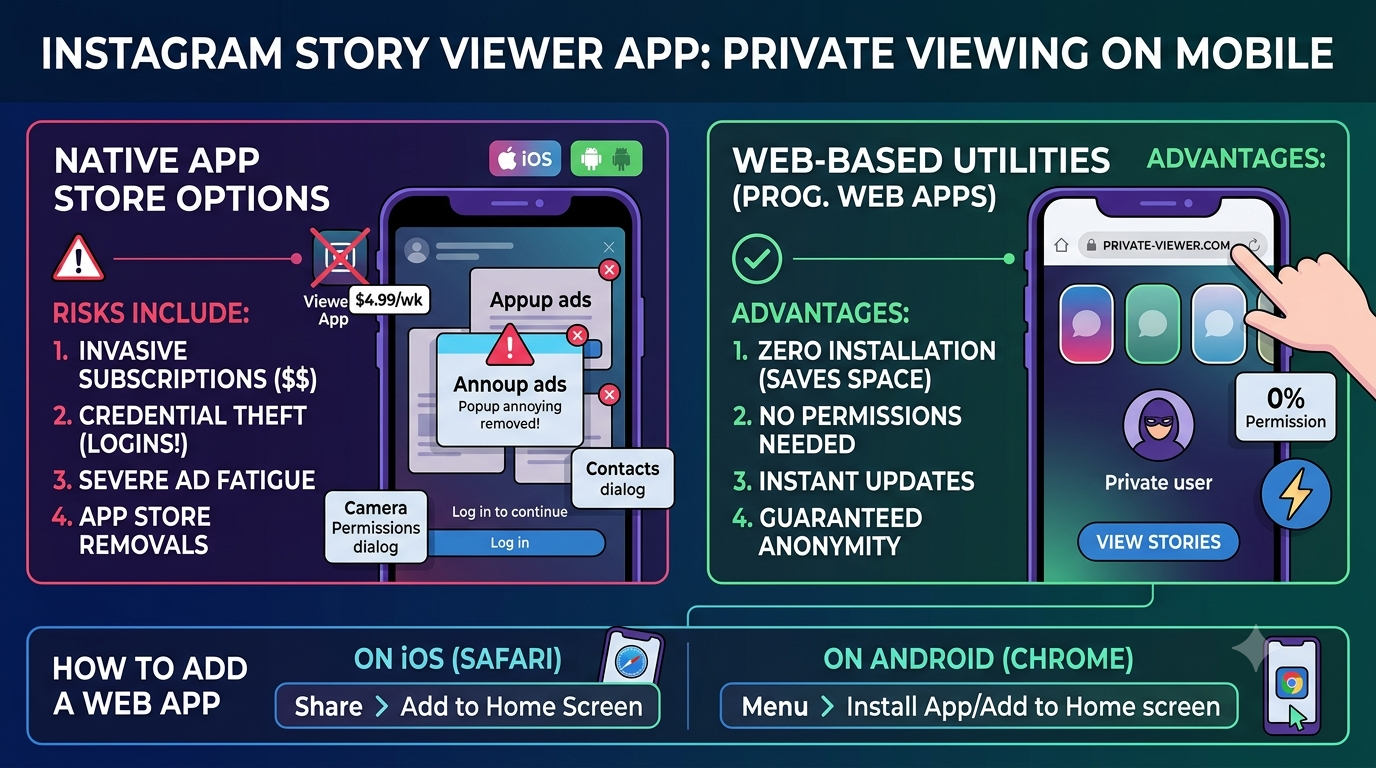
Many mobile applications claiming to be "Anonymous IG Viewers" or "Story Saver Apps" carry significant risks.
Before downloading any application, be aware of the following issues:
- Invasive Subscriptions: Many free-to-download apps will lock basic features behind expensive weekly or monthly subscriptions ($4.99 to $9.99 per week).
- Credential Requirements: Many apps will force you to log in with your actual Instagram credentials "to fetch the stories." Once logged in, your account security is compromised.
- Severe Ad Fatigue: Free versions of store-based apps often force you to watch 30-second unskippable video ads before every single profile search.
- App Store Removals: Because private viewers often violate Meta's Terms of Service, Apple and Google frequently remove these apps from their stores, meaning you lose access to purchased premium upgrades overnight.
Web-Based Apps: The Better Alternative
A web-based utility (or Progressive Web App) like Anon Story Viewer is almost always a better choice than installing a native app.
Web-based tools offer several advantages:
- Zero Installation: They do not consume storage space or battery power on your phone.
- No Permissions: They do not require access to your mobile device's camera, microphone, contacts, or location.
- Always Updated: Unlike App Store apps, web tools are updated instantly on the server side if Instagram changes its API or layouts.
- Guaranteed Anonymity: Web-based viewers run queries through remote servers, ensuring your mobile IP address is never exposed to Meta.
How to Add Anon Story Viewer as a Mobile App
You can easily get a native app experience with Anon Story Viewer on your iPhone or Android without installing anything from the App Store.
On iOS (Safari for iPhone)
- Open Safari and go to
anonstoryviewer.com. - Tap the Share button (the square icon with an upward arrow) in the bottom navigation bar.
- Scroll down and tap Add to Home Screen.
- Rename it to "Anon Viewer" and tap Add.
- The Anon Story Viewer icon will now appear on your home screen like a normal app!
On Android (Chrome or Brave)
- Open your mobile browser and navigate to
anonstoryviewer.com. - Tap the three vertical dots (menu icon) in the top-right corner.
- Tap Add to Home screen or Install app.
- Confirm the installation.
- The web app is now pinned to your app drawer and home screen.
By pinning the web app, you get a clean, full-screen, lightweight app utility that loads instantly and protects your privacy on the go.
Try Anonymous Instagram Story Viewer
Watch public Instagram stories without leaving any trace.